
Car wheel visualizer
Swap wheels in real time, change colour and finish, and dial in fitment. Then see the setup up close in a studio video.
Coming soon to iPhone. Follow @turboset.ai on Instagram for early access.
Real 3D models
Customise
everything.
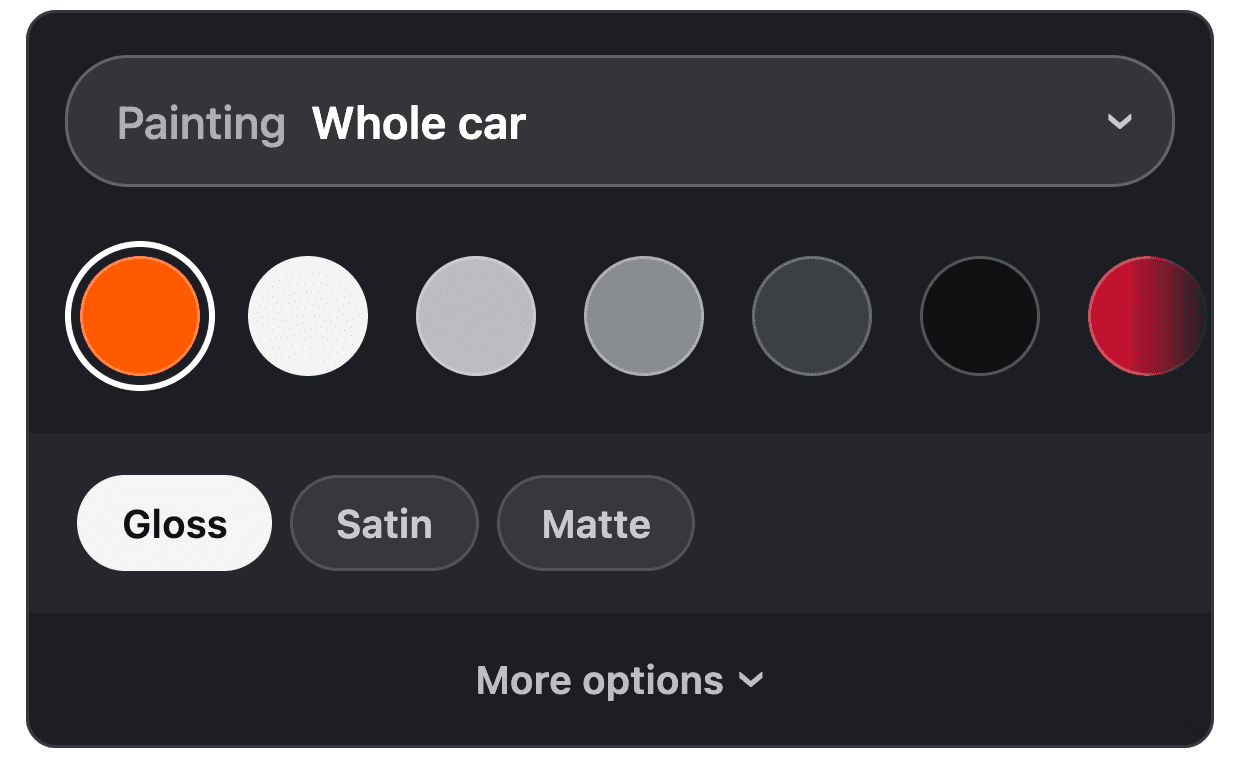
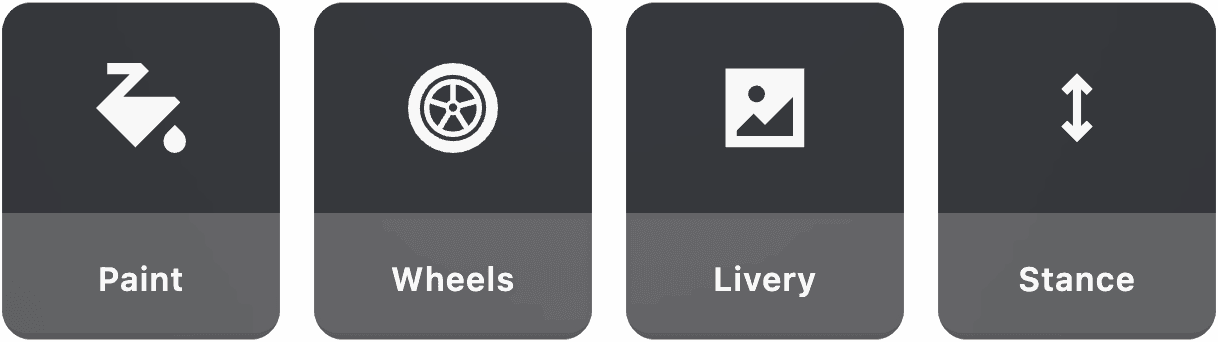
Paint, wraps, wheels, stance, livery and more on a real 3D model.
What you can try
Stock and aftermarket wheels with colour and finish options, two-tone paint, custom centre caps, and sliders for fitment and camber.
- Live 3D preview on every supported car
- Works with stance for the full picture
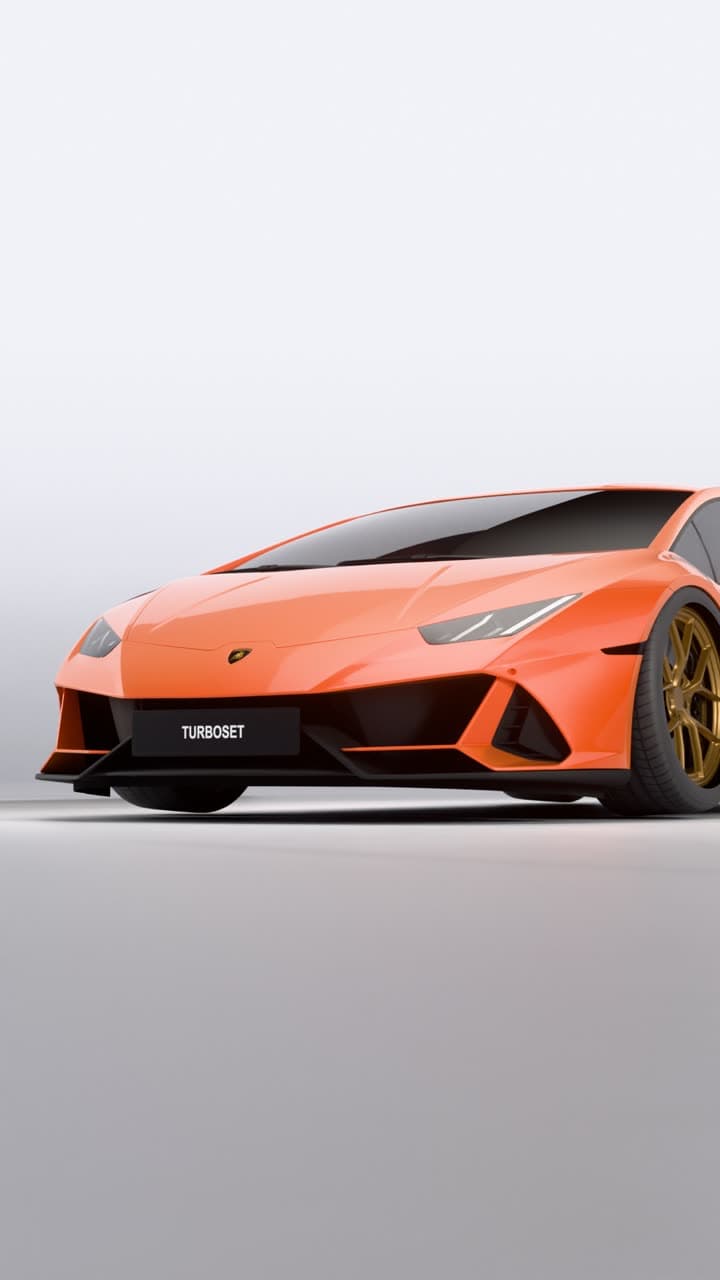
- The studio video's wheel close-up shows concavity and lip depth
How it works
- Step 1
Choose wheels
Browse designs in the app.
- Step 2
Dial fitment
Fitment and camber.
- Step 3
Set stance
Ride height to match.
- Step 4
Render
See it in a cinematic studio video.
What you can do in Turboset
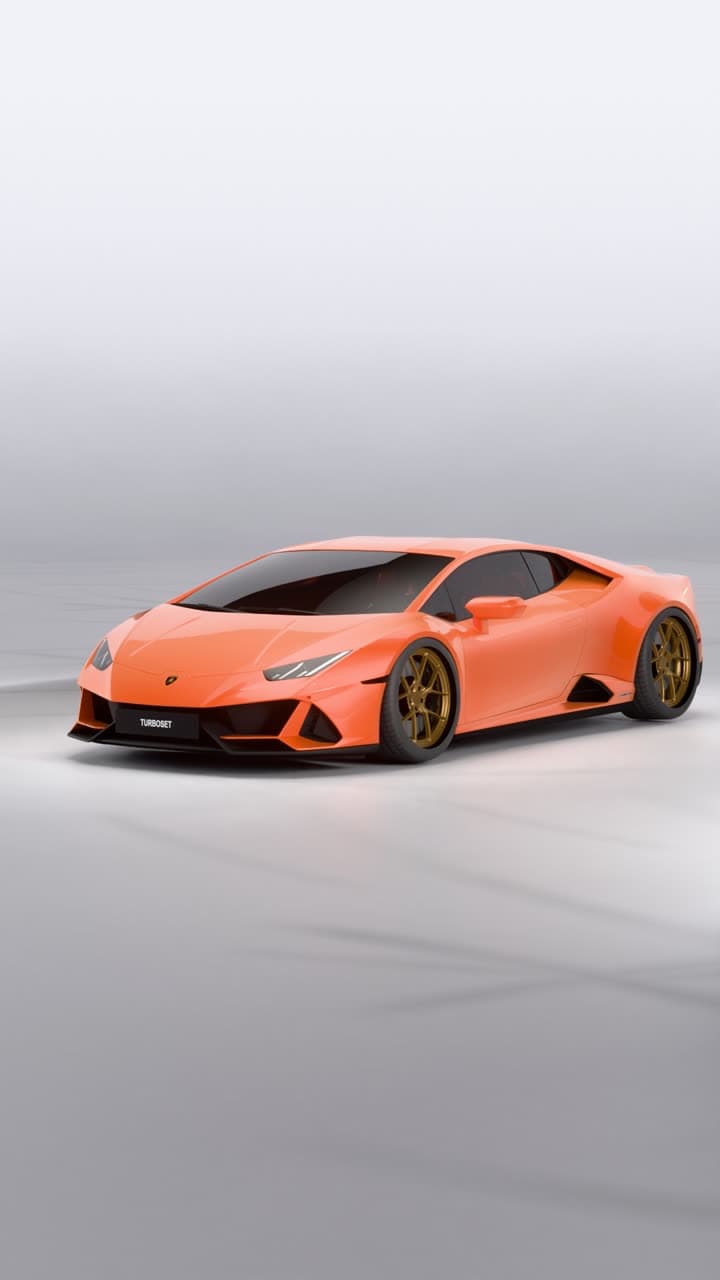
Build it in 3D.
Render it in our studio.Customise your car in the editor, then get a studio video of it.
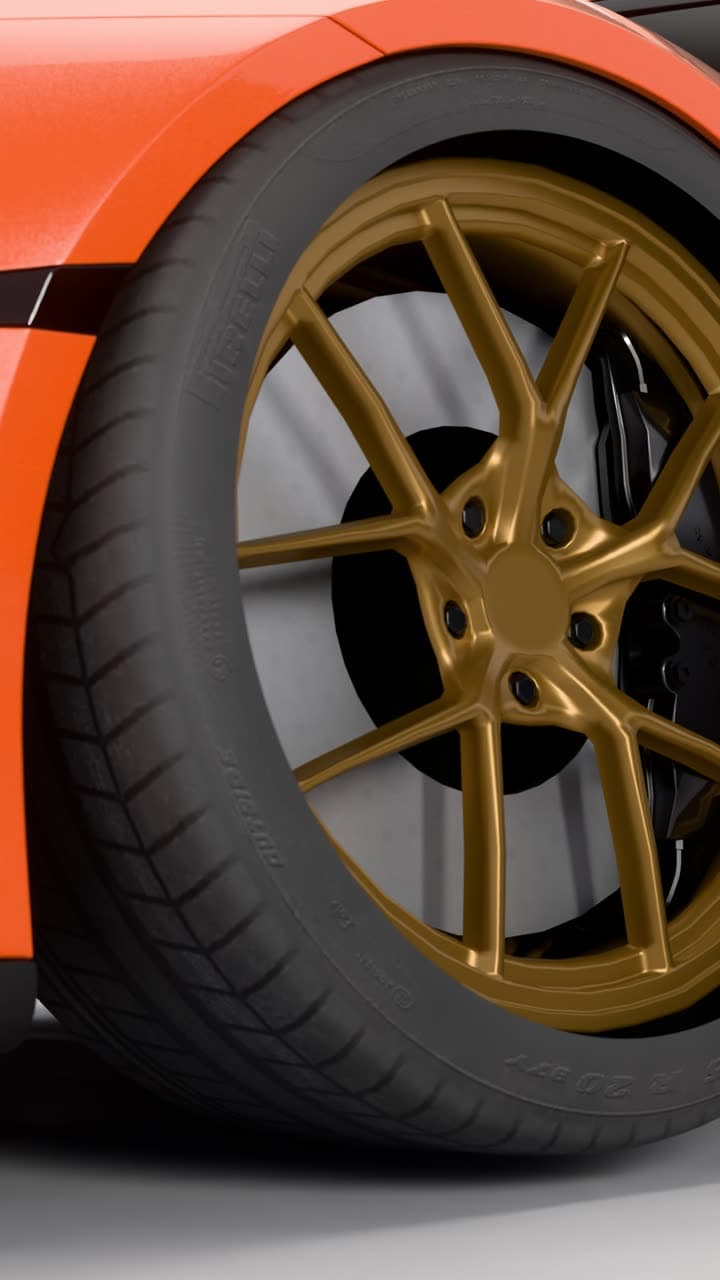
Real light.
Real reflections.Every video is path traced on GPUs in our studio, not generated by AI. 13 seconds, vertical, eight shots in one cinematic edit.
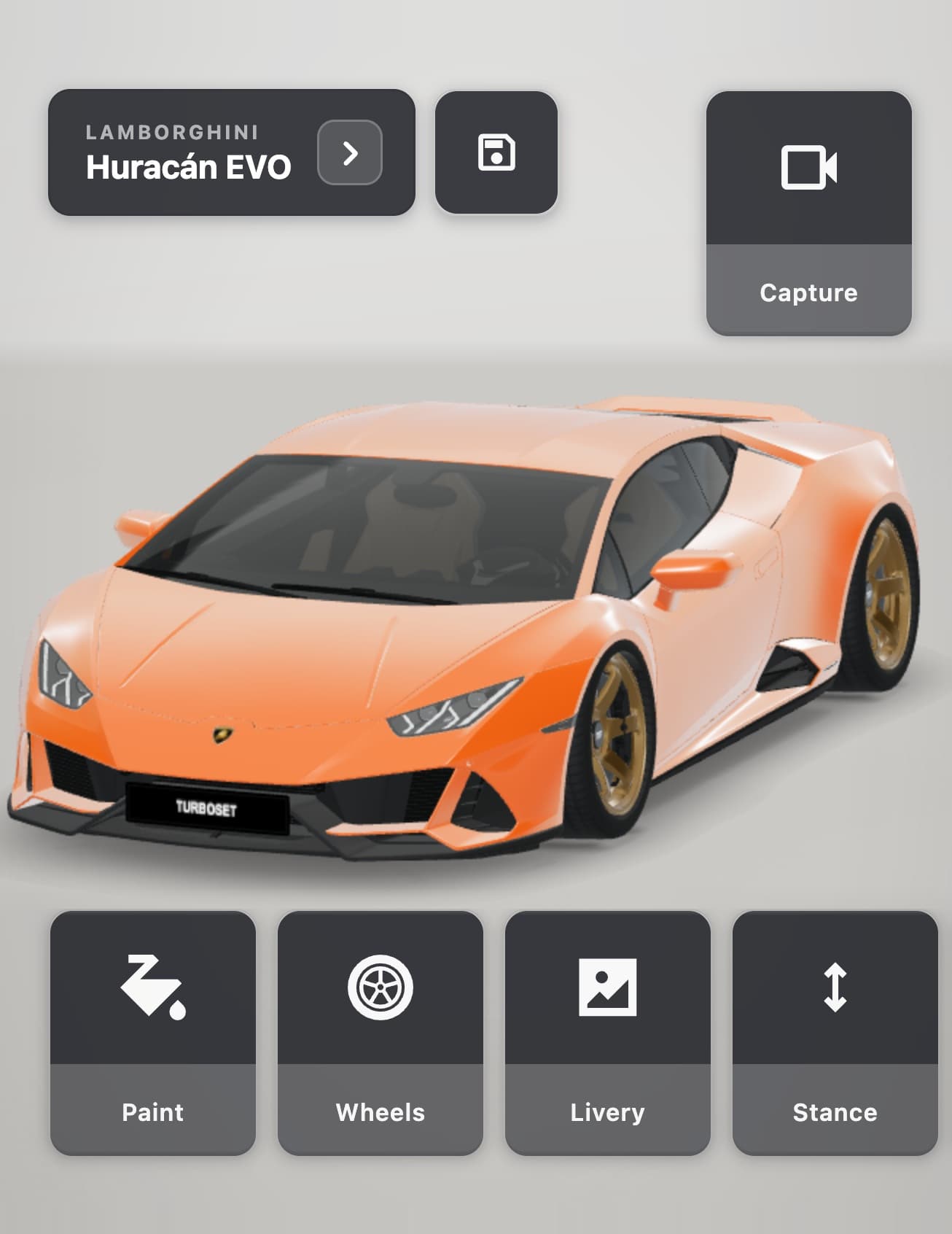
Customise
everything.Paint, wraps, wheels, stance, livery and more on a real 3D model.
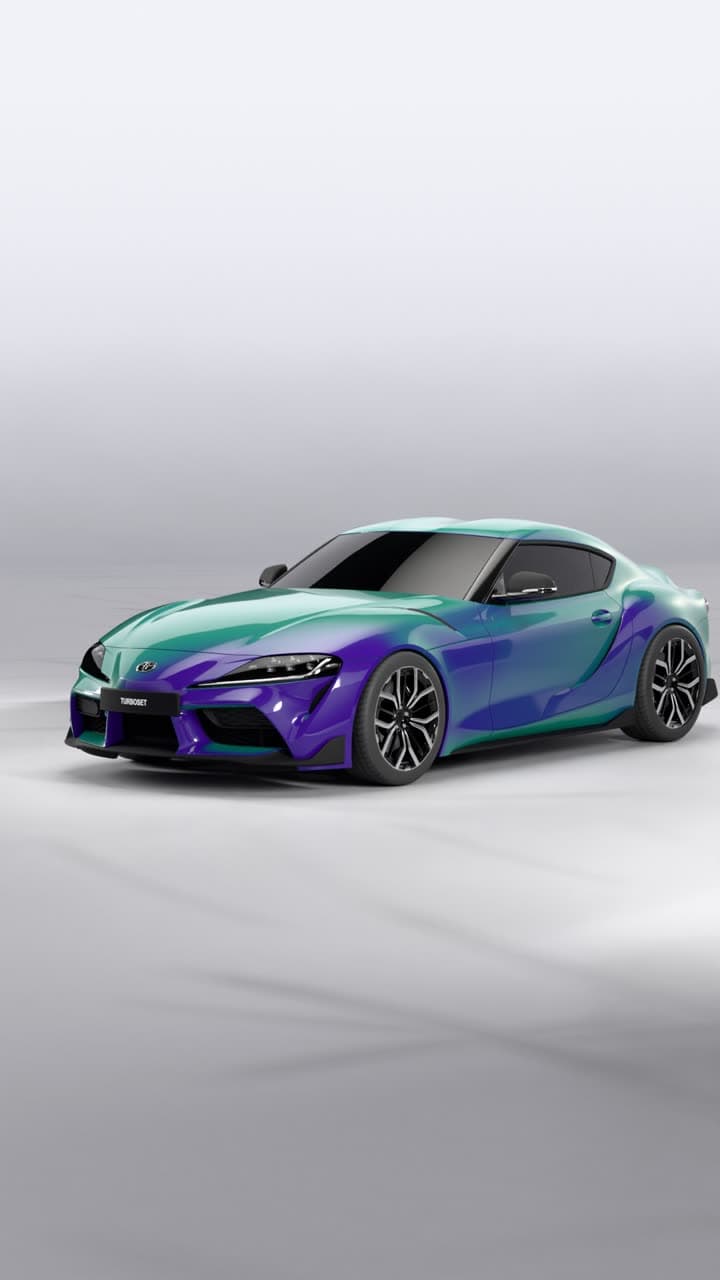
Make it
yours.Wraps, patterns, two-tone wheels, colour-shift paint and more. Add your own photos as decals.
Real studio videos made in Turboset
Try it on these cars
Open a TurboSet 3D model and use the same tools described on this page.
FAQ
- Exact wheel brands?
- TurboSet offers many 3D wheel designs with finish options, not every real-world brand. Use it to judge size and style.
Try the wheels in 3D.
See them in a video.
Build your car in 3D and get a cinematic studio video of it: path traced on GPUs, not generated by AI.
Coming soon to iPhone. Follow @turboset.ai on Instagram for early access.